
Overview
The Learning Journal Approval Process helps assessors manage, review, and validate learner journal entries in Onefile Eportfolio. This workflow ensures that entries meet Centre expectations.
Who Can Use This Feature?
This feature can be used by the following user roles:
- Assessor
- Trainee Assessor
Centre Setting
- Learning journal entries require provider approval must be enabled by the Centre Manager.
Steps
1. Learner Submission
Learners create and submit their journal entries through Onefile Eportfolio. Each entry can contain:
- Written reflections or activity descriptions
- File attachments
- Timesheet entries
- Links to criteria and learning aims
2. Notification to Tutor/Assessor
- Once a journal entry is submitted, the assessor receives a notification.
- The entry will appear under Awaiting Approval on the assessor's dashboard.
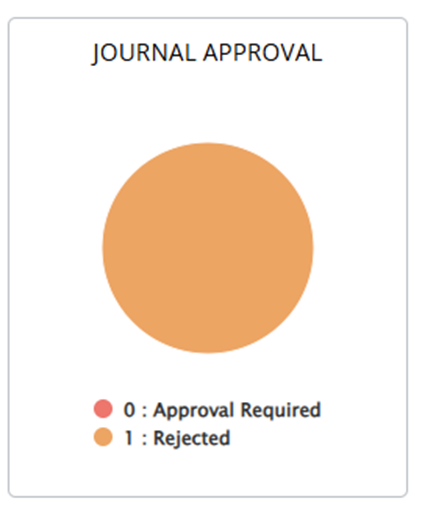
- A new dashboard chart shows:
- Entries requiring approval
- Rejected entries awaiting learner action
3. Reviewing the Entry
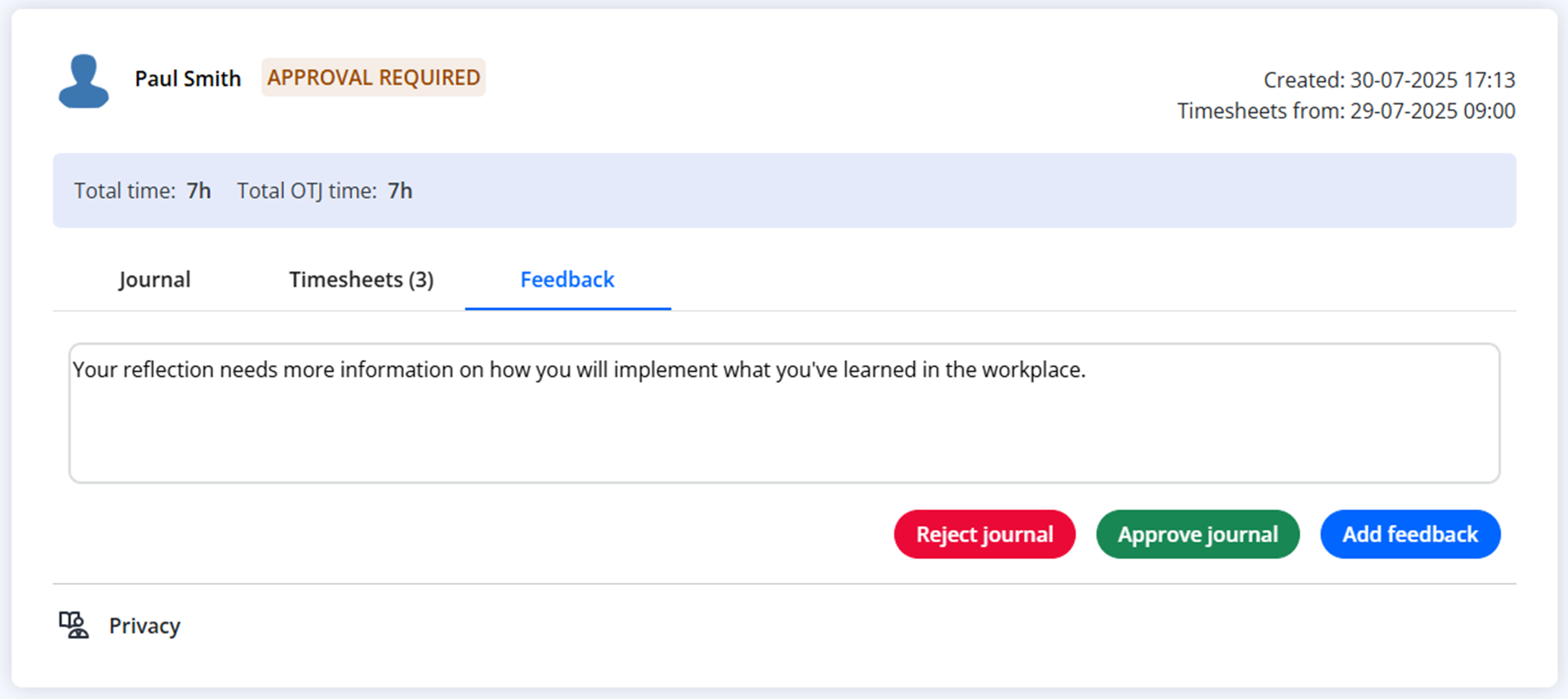
Assessors open the learner’s entry to review the content. During review, they can:
- Add comments or feedback
- Request changes
- Review linked aims and timesheet entries
- Decide whether to approve or reject the entry
4. Approval or Rejection
- Approve: The entry is accepted and locked as evidence in the learner’s portfolio.
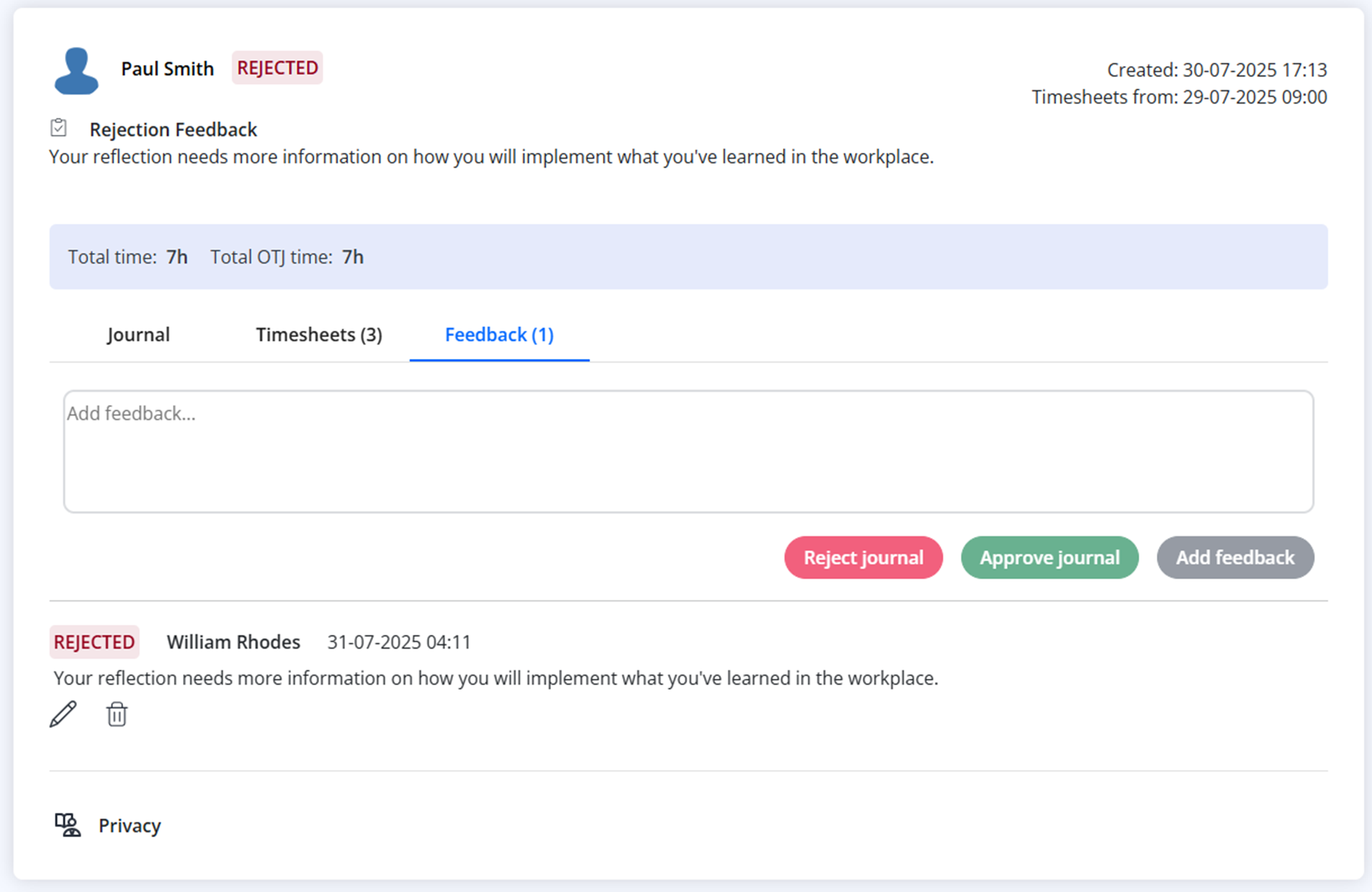
- Reject: The assessor provides feedback and the learner can revise and resubmit the entry.
5. Record Keeping
Approved entries are stored in the learner’s portfolio permanently. They can be used as evidence for:
- Reviews
- Progress monitoring
- IQA sampling
- Audit requirements
Tips & Notes
- Ensure relevant Timesheet Categories allow OTJ if required.
- Rejected entries remain visible until the learner resubmits.
- Approval workflows help maintain quality and compliance.
Terminology
Please note that the terminology used in this article may differ depending on your Centre.
Related Articles
- Creating a Learning Activity/Reflection
- Why can’t my learners mark an entry Off‑The‑Job?
- Learning Journal Report
Need Help?
If you encounter any issues or have questions, please contact Onefile Support or your internal support channels.